

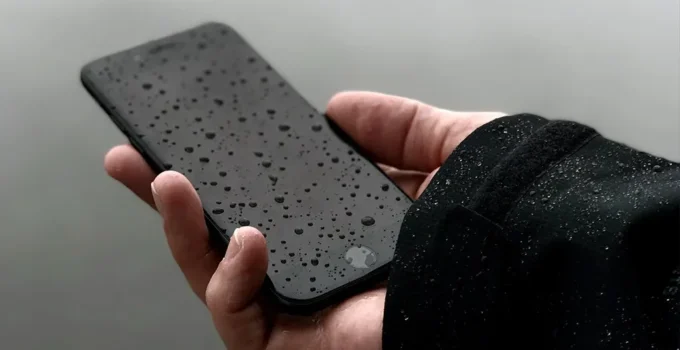
A surprising number of smartphones experience water exposure every year. A 2023 industry estimate suggested that nearly one in five phone repairs involves liquid damage. That statistic might sound alarming, but it also shows how common the problem is. A dropped phone in a sink, rain during a hike, or a spilled drink on a desk can all cause sudden panic.
When water enters a phone, quick decisions matter. Some actions can save the device. Others can make the situation worse within minutes. Many people immediately search online for quick fixes, but not every tip circulating on the internet is reliable.
This guide walks through what actually helps when a phone gets wet, what mistakes to avoid, and how to decide when repair is the right move.
Why Water Damage Happens Faster Than Most People Expect
Liquid damage rarely waits hours to cause problems. Electrical components inside a phone operate with very small circuits and connectors. Even a small amount of moisture can disrupt those systems quickly.
Inside a modern smartphone you will find tightly packed components such as:
- battery connectors and power regulators
- camera modules and sensors
- display connectors
- tiny logic board circuits
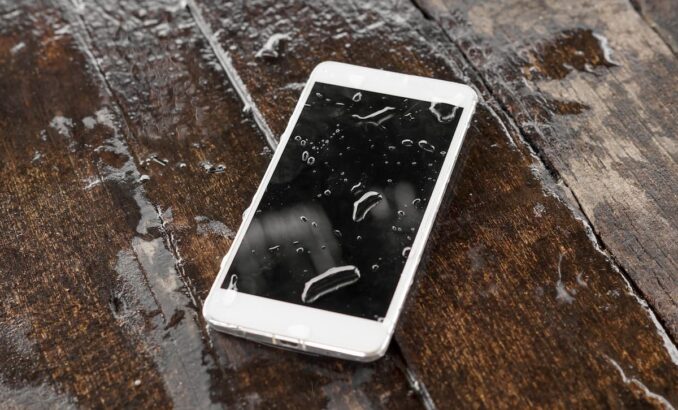
Water spreads easily through these areas due to capillary action, a physical effect where liquid travels through small spaces between components. That means even a brief splash can allow moisture to reach sensitive areas.
Source: mobileklinik.ca
Did you know?
Even phones labeled as water resistant usually rely on seals and adhesive barriers. Over time those materials weaken due to heat, drops, and normal wear, which reduces their protection.
Because of this, speed matters when responding to water exposure.
First Steps To Take Immediately After A Phone Gets Wet
The first few minutes after water exposure are critical. Acting calmly but quickly can make a major difference in preventing permanent damage.
Start by removing the phone from water right away and turning it off if it is still powered on. Electricity flowing through wet circuits increases the risk of short circuits.
Several simple steps help limit damage:
- Power off the device immediately
- Remove the case and accessories
- Take out the SIM card tray if possible
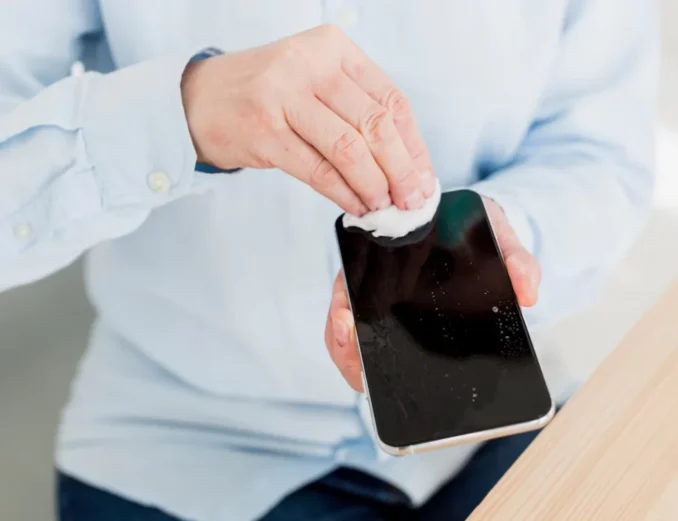
- Gently dry the exterior with a soft cloth
- Place the phone in a dry environment with airflow
Avoid shaking the phone aggressively. That movement can push water deeper inside.
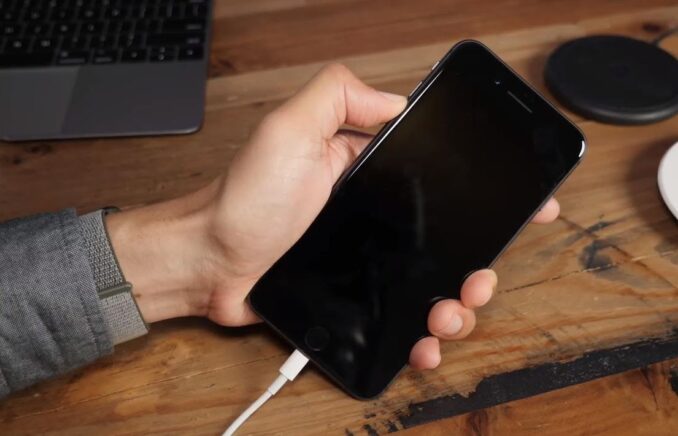
A common question involves charging. Charging should never be attempted until the device is fully dry. Moisture inside the charging port can create a short circuit or corrosion.
Allow the device time to dry before attempting to power it back on.
Checking The Screen And Hardware After Drying
Once a phone has had time to dry, users often begin checking whether everything still works. The display usually shows the first visible signs of trouble.
Source: digitiqe.com
Water damage may cause:
- flickering or dim areas
- ghost touches or delayed response
- dark patches under the glass
- unresponsive sections of the screen
Sometimes the rest of the phone continues functioning normally while the display fails. In those situations a targeted repair can often restore the device.
For example, some users consider an iPhone screen replacement if the touch layer stops responding after water exposure but the phone still powers on and functions otherwise. Replacement display assemblies can restore both the visual panel and touch digitizer when the internal electronics remain intact.
Before deciding on replacement, it is important to check whether deeper hardware damage is present.
Signs That Internal Damage May Already Be Present
Some phones appear normal immediately after drying but develop issues days later. That delayed failure often happens because corrosion begins slowly inside the device.
Watch for warning signs such as the following.
- random restarts
- charging problems
- distorted audio from speakers
- camera fogging under the lens
- overheating during basic use
A simple table can help illustrate how these symptoms relate to internal damage.
|
Symptom |
Possible Cause |
Risk Level |
| Screen flicker | Display connector corrosion | Medium |
| Charging failure | Moisture in charging port | High |
| Audio distortion | Speaker membrane damage | Medium |
| Camera fogging | Internal condensation | Medium |
| Random shutdown | Logic board short circuit | High |
If several of these symptoms appear together, internal circuits may already be affected.
In that case, professional inspection becomes the safest next step.
Preventing Future Water Damage
While accidents happen, several habits reduce the risk of water exposure in daily life.
Protective accessories play an important role. Waterproof cases add an extra layer of protection, especially during travel or outdoor activities.
Source: cellularport.com
Users who frequently bring phones near water can reduce risks by following a few simple habits:
- keep phones away from sink edges and drink cups
- avoid charging near humid environments like bathrooms
- dry hands before using the device
- check case seals after drops or impacts
It also helps to understand the limits of water resistant ratings.
Did you know?
A phone rated IP68 can survive certain depths of water for a limited time in controlled laboratory conditions. Real world exposure such as saltwater, soap, or pressure changes may still cause damage.
Preventive habits often matter more than the device’s official rating.
Final Thoughts
Water damage creates immediate stress for any phone owner, yet many devices survive when the right steps are taken early. Acting quickly, powering off the device, and allowing proper drying time can reduce the risk of permanent electrical damage.
If display issues appear after drying, targeted repairs such as screen replacement may restore the device when the rest of the hardware remains functional. In cases where deeper damage is suspected, professional inspection can often recover phones that might otherwise be considered lost.